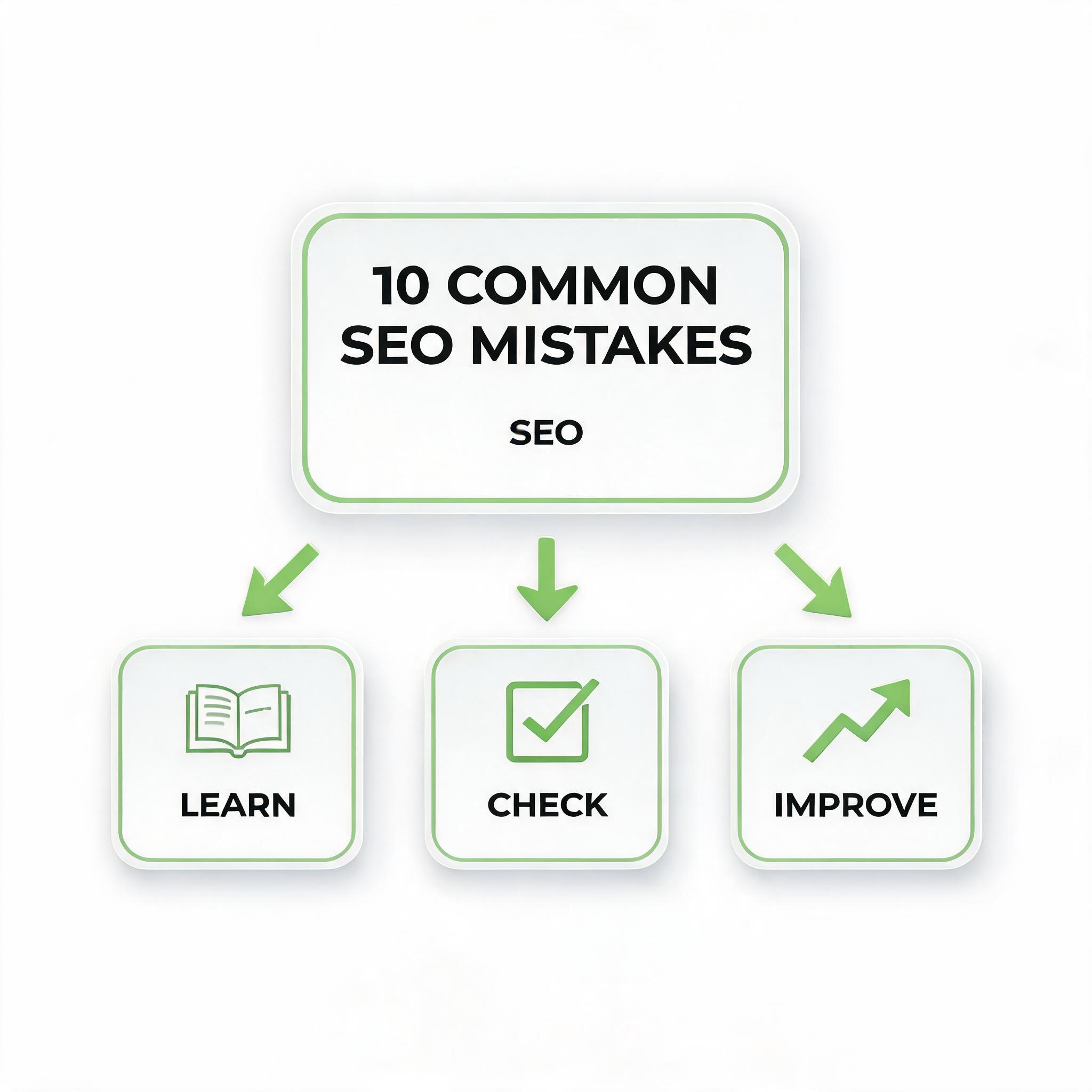
SEO can feel like a maze when you're just starting out. You read a blog post, implement a few tips, check your rankings a week later, and wonder why nothing has changed. Sound familiar? The truth is, most beginners don't fail because they lack effort — they fail because they unknowingly make small, compounding mistakes that hold their websites back. The good news? Every single one of these mistakes is fixable. In this guide, we'll walk through the 10 most common SEO mistakes beginners make, why they hurt your rankings, and exactly how to avoid them so you can start seeing real results.
What Are Common SEO Mistakes?
Common SEO mistakes are errors that website owners — especially those new to search engine optimization — make when trying to improve their visibility on search engines like Google. These range from technical oversights, like slow page speed and missing tags, to strategic blunders, like targeting the wrong keywords or ignoring what users actually want to find.
What makes these mistakes particularly dangerous is that they're often invisible to the naked eye. Your website might look perfectly fine to a visitor, but behind the scenes, search engines are struggling to understand, index, and rank your content properly. Tools like Osek.ai can help you spot these hidden issues quickly by providing a free, beginner-friendly SEO audit of your site.
Why Avoiding SEO Mistakes Matters
Every mistake you make sends a signal to search engines — and usually not a good one. Google uses over 200 ranking factors to determine where your pages appear in search results. When you neglect even a handful of them, you're essentially asking Google to rank you lower than your competitors.
Consider this: the first page of Google captures 71% of all search traffic clicks. If your site is buried on page two or three because of avoidable mistakes, you're missing out on the vast majority of potential visitors, customers, and revenue. Fixing these issues doesn't just improve rankings — it improves user experience, reduces bounce rates, and builds long-term authority for your website.
How to Audit Your Site for SEO Mistakes
Before you can fix problems, you need to find them. Here's a simple approach to auditing your site:
Use a platform like to run a comprehensive SEO audit on your website. It highlights issues like missing meta tags, broken links, slow-loading pages, and more — all in plain language that beginners can understand.
Subscribe to our newsletter for the latest news and updates
Start with a free tool:
Osek.ai
Check Google Search Console: This free tool from Google shows you indexing errors, mobile usability issues, and which queries are driving traffic to your site.
Test your page speed: Head to Google's PageSpeed Insights to see how quickly your pages load on both desktop and mobile.
Review your content manually: Open each page and ask yourself — does this answer the user's question? Is it well-structured? Is the keyword used naturally?
Once you've gathered this information, you'll have a clear picture of where your site stands and what needs attention first.
Examples: Weak vs. Better Approaches
Let's look at a quick comparison to illustrate how a small change can make a big difference.
Weak approach — Title tag:Best Shoes | Buy Shoes | Cheap Shoes Online | Shoes Store
Better approach — Title tag:Affordable Running Shoes for Beginners | Free Shipping | YourStoreName
The first example stuffs keywords in a way that looks spammy and offers no value. The second example uses the primary keyword naturally, adds a benefit (free shipping), and includes the brand name — exactly what both Google and users prefer.
Weak approach — Image optimization: Uploading a photo named IMG_4392.jpg with no alt text.
Better approach — Image optimization: Renaming the file to blue-running-shoes-nike.jpg and adding alt text like "Blue Nike running shoes for beginners on a white background."
These small adjustments help search engines understand your content and can even bring traffic through Google Image Search.
The 10 Common SEO Mistakes Beginners Make
1. Keyword Stuffing
Repeating your target keyword unnaturally throughout your content is one of the oldest — and most penalized — mistakes. Google's algorithms are sophisticated enough to detect when keywords are forced into sentences where they don't belong. Instead, focus on writing naturally and using semantic variations of your keyword. If your keyword is "best coffee makers," also use phrases like "top-rated coffee machines" and "highly reviewed brewing systems."
2. Ignoring Search Intent
Search intent is the *why* behind a search query. If someone types "how to brew cold coffee," they want a tutorial — not a product page selling coffee machines. Beginners often create content that doesn't match what the searcher actually wants. Always analyze the top-ranking results for your target keyword to understand what format and type of content Google is rewarding.
3. Neglecting Title Tags and Meta Descriptions
Your title tag and meta description are the first things people see in search results. Leaving them blank or auto-generating them means you're missing a huge opportunity to attract clicks. Write unique, compelling title tags (under 60 characters) and meta descriptions (under 160 characters) for every page on your site.
4. Not Optimizing for Mobile
Over 60% of all Google searches now come from mobile devices. If your website doesn't display properly on a phone — buttons too small, text too tiny, pages slow to load — Google will push you down in rankings. Use responsive design and test your site on multiple devices regularly.
5. Slow Page Speed
Users expect pages to load in under three seconds. Every additional second of load time increases your bounce rate significantly. Compress images, minimize CSS and JavaScript files, use browser caching, and consider a content delivery network (CDN) to speed things up. Osek.ai can help you identify which specific elements are slowing down your site.
6. Missing Internal Links
Internal links connect your pages together and help search engines understand the structure and hierarchy of your site. Beginners often publish blog posts in isolation, without linking to other relevant pages. Every new post should link to at least two or three related pages on your site — and older posts should be updated to link back to newer content.
7. Publishing Thin or Duplicate Content
Thin content provides little or no value to the reader — think 200-word pages with nothing substantial to say. Duplicate content confuses search engines about which version to index and rank. Aim for comprehensive, original content that thoroughly addresses the topic. As a general rule, if a page doesn't help the user, it probably shouldn't exist on your site.
8. Ignoring Header Tags
Header tags (H1, H2, H3) create a logical hierarchy for your content. Your H1 is the main topic, H2s are major sections, and H3s are subsections within those. Using them properly helps both readers and search engines scan and understand your content. Never use headers just to make text bigger — use them to structure your ideas.
9. Not Using Analytics or Tracking Tools
If you're not tracking your performance, you're guessing. Set up Google Analytics and Google Search Console from day one. These tools show you which pages get the most traffic, where visitors come from, what keywords you're ranking for, and where users drop off. Without this data, you can't make informed decisions.
10. Forgetting About Image Optimization
Large, uncompressed images are one of the biggest culprits behind slow page speed. Additionally, leaving alt text blank means missing out on accessibility benefits and image search traffic. Always compress images before uploading, use descriptive file names, and write meaningful alt text for every image.
Quick Checklist
Use this checklist to audit your site and ensure you're not making any of the common mistakes outlined above:
Keywords are used naturally — no stuffing or awkward phrasing
Content matches the search intent of your target keyword
Every page has a unique, optimized title tag and meta description
Your website is fully responsive and mobile-friendly
Pages load in under 3 seconds (test with PageSpeed Insights)
Every blog post includes at least 2-3 internal links
All content is original, substantive, and free of duplication
Header tags (H1, H2, H3) are used correctly and logically
Google Analytics and Search Console are set up and monitored
Images are compressed, properly named, and include alt text
Save this checklist and revisit it every time you publish new content. You can also run a free audit with Osek.ai to catch issues you might have missed.
FAQ
How long does it take to see results after fixing SEO mistakes?
SEO is a long-term strategy. After fixing major issues, you may start noticing improvements in rankings and traffic within 4 to 12 weeks, depending on the competitiveness of your niche and how frequently Google crawls your site. Patience and consistency are key.
Can I do SEO without paying for expensive tools?
Absolutely. While premium tools offer advanced features, free tools like Osek.ai, Google Search Console, and Google Analytics provide more than enough data for beginners to identify and fix common SEO mistakes effectively.
What's the single most impactful SEO mistake to fix first?
If you're only going to fix one thing, focus on matching search intent. If your content doesn't align with what users are looking for, no amount of technical optimization will help you rank. Get the content right first, then refine the technical details.
How often should I audit my website for SEO issues?
A full site audit should be done at least once every quarter. However, it's good practice to check for basic issues — like broken links, missing alt text, and page speed — every time you publish new content.
Is keyword research really that important for beginners?
Yes — it's foundational. Targeting the wrong keywords means you'll attract the wrong audience or no audience at all. Start with long-tail keywords (phrases with three or more words) that have lower competition. Use free tools like Osek.ai or Google's Keyword Planner to find relevant terms with decent search volume.
AI Search Visibility
See whether your content is easy for AI answer engines to understand.