What Is Schema Markup? A Beginner's Guide to Structured Data
Learn what Schema markup is, why it helps your pages appear as rich results, and how to add structured data to your website.
Author
Osek.ai Team
SEO learning and tools
Follow:
Discover
Understand how search engines find pages.
Improve
Use page structure and content signals.
Check
Validate changes with free Osek.ai tools.
Schema markup is code you add to your pages to help search engines understand what your content means. This guide explains what Schema is, why it matters for SEO, and how to get started with structured data.
Simple Definition
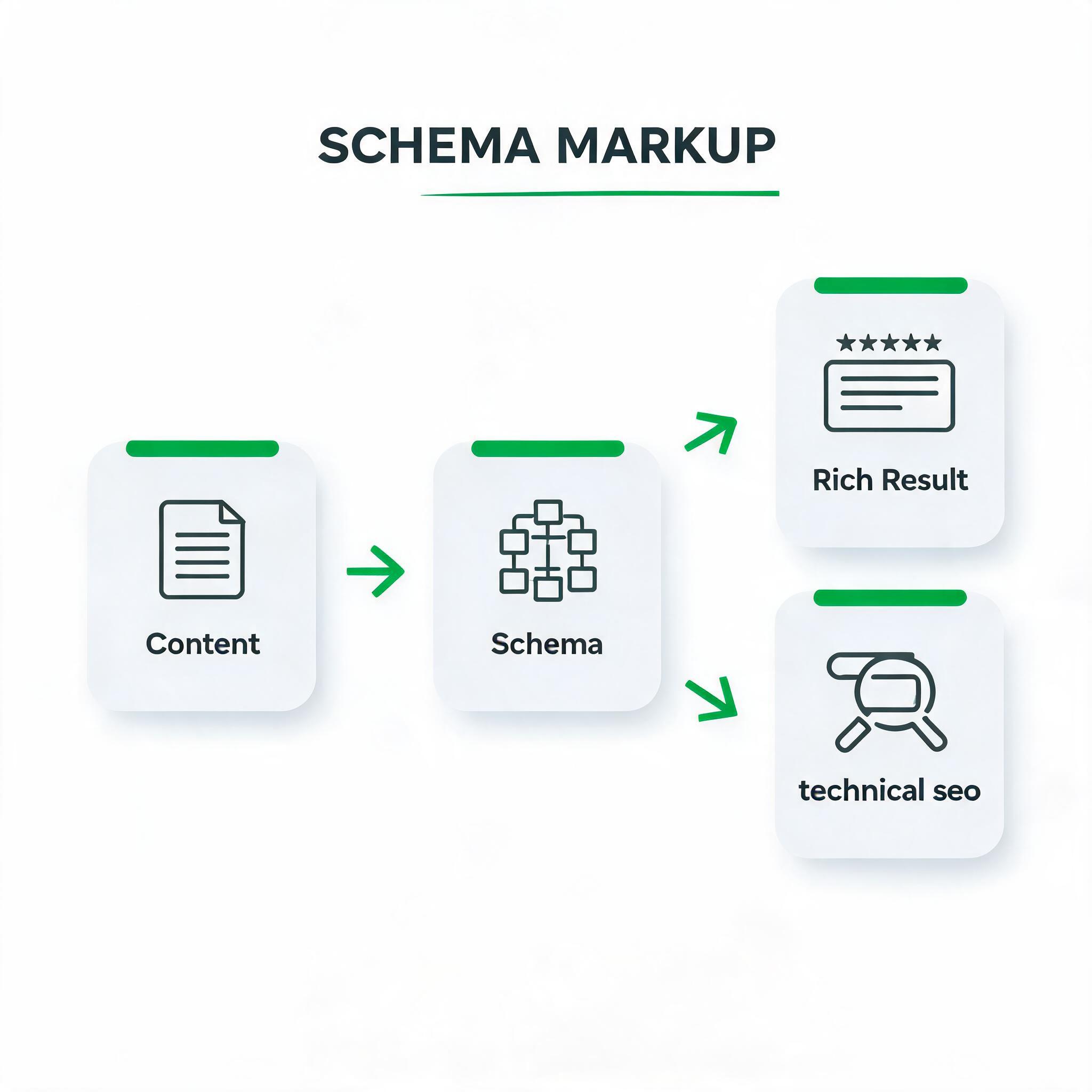
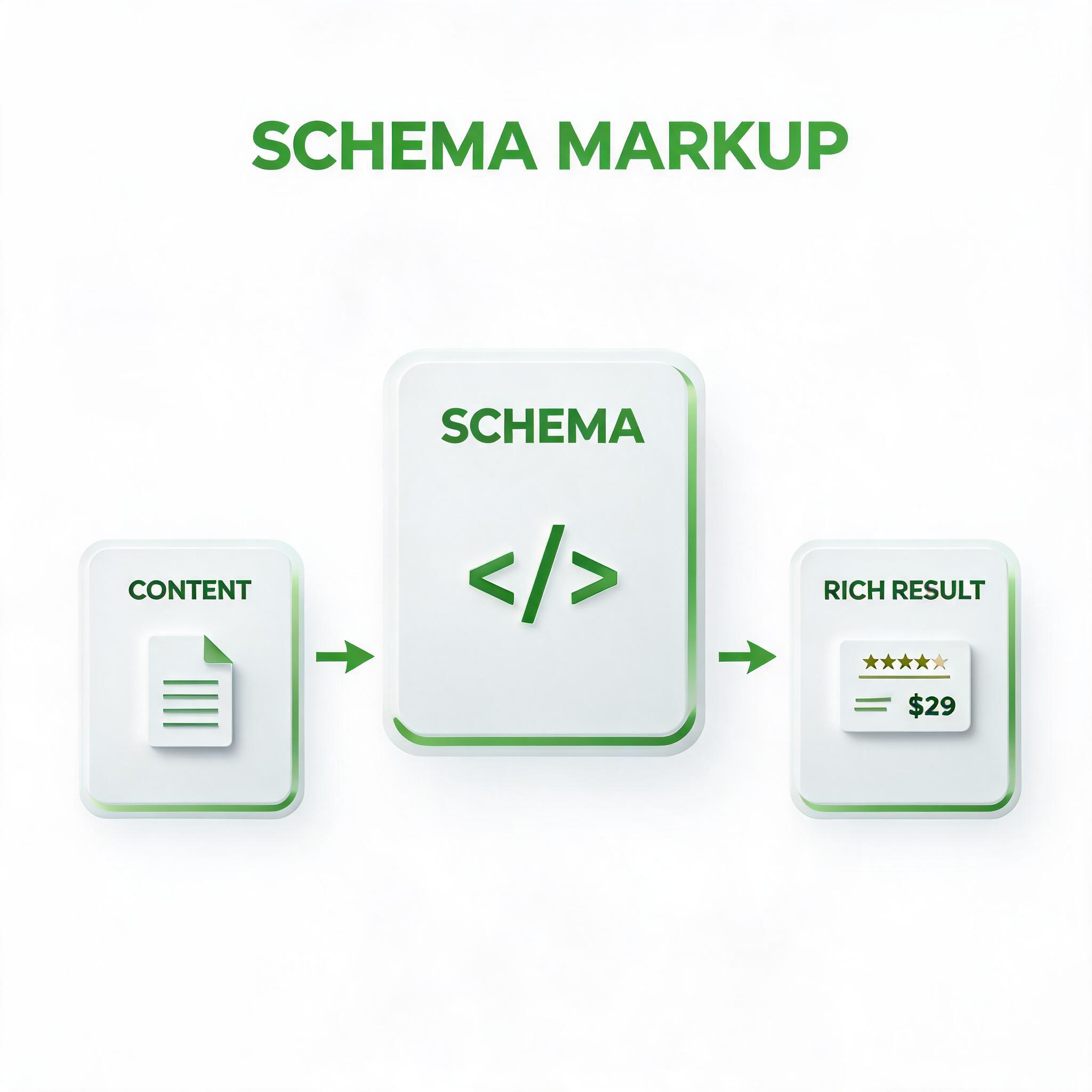
Schema markup is structured data vocabulary that you add to your HTML to help search engines understand the context and meaning of your page content. It helps transform regular search listings into rich results with enhanced information like ratings, prices, events, and more.
In practical terms, what is schema markup? a beginner's guide to structured data is not an isolated SEO task. It sits inside a simple workflow: understand the searcher, build a page that answers the searcher, then check whether the page gives search engines enough signals to trust and classify it. Beginners often skip the checking step, which is why small issues such as vague titles, weak internal links, unclear examples, or blocked crawling can stay unnoticed for weeks.
The easiest way to use this concept is to connect it to one concrete page. Pick one URL, one target audience, and one search intent. Then review whether the page makes the topic obvious before a reader has to work for it. If the page cannot explain its purpose quickly, search engines and AI answer systems will also have a harder time understanding it.
Why It Matters for SEO
It helps search engines understand your content beyond just reading the text.
It can make your search listings more visible with rich results like stars, images, and details.
It increases the chance of appearing in special search features like carousels and knowledge panels.
It prepares your content for voice search and AI assistants that rely on structured data.
It helps search engines understand your content beyond just reading the text
For what is schema markup? a beginner's guide to structured data, this point matters because it turns a general SEO idea into something you can inspect on a real page. Do not treat it as a one-time checkbox. Look at the page, compare it with the searcher's likely expectation, and decide whether the current page gives enough context for both users and search systems.
Subscribe to our newsletter for the latest news and updates
It can make your search listings more visible with rich results like stars, images, and details
For what is schema markup? a beginner's guide to structured data, this point matters because it turns a general SEO idea into something you can inspect on a real page. Do not treat it as a one-time checkbox. Look at the page, compare it with the searcher's likely expectation, and decide whether the current page gives enough context for both users and search systems.
It increases the chance of appearing in special search features like carousels and knowledge panels
For what is schema markup? a beginner's guide to structured data, this point matters because it turns a general SEO idea into something you can inspect on a real page. Do not treat it as a one-time checkbox. Look at the page, compare it with the searcher's likely expectation, and decide whether the current page gives enough context for both users and search systems.
It prepares your content for voice search and AI assistants that rely on structured data
For what is schema markup? a beginner's guide to structured data, this point matters because it turns a general SEO idea into something you can inspect on a real page. Do not treat it as a one-time checkbox. Look at the page, compare it with the searcher's likely expectation, and decide whether the current page gives enough context for both users and search systems.
The bigger lesson is that SEO works best when each page has a clear job. A page should not try to satisfy every possible query. It should answer one primary intent well, then support that answer with structure, examples, related terms, and links to the next useful action.
How to Check It
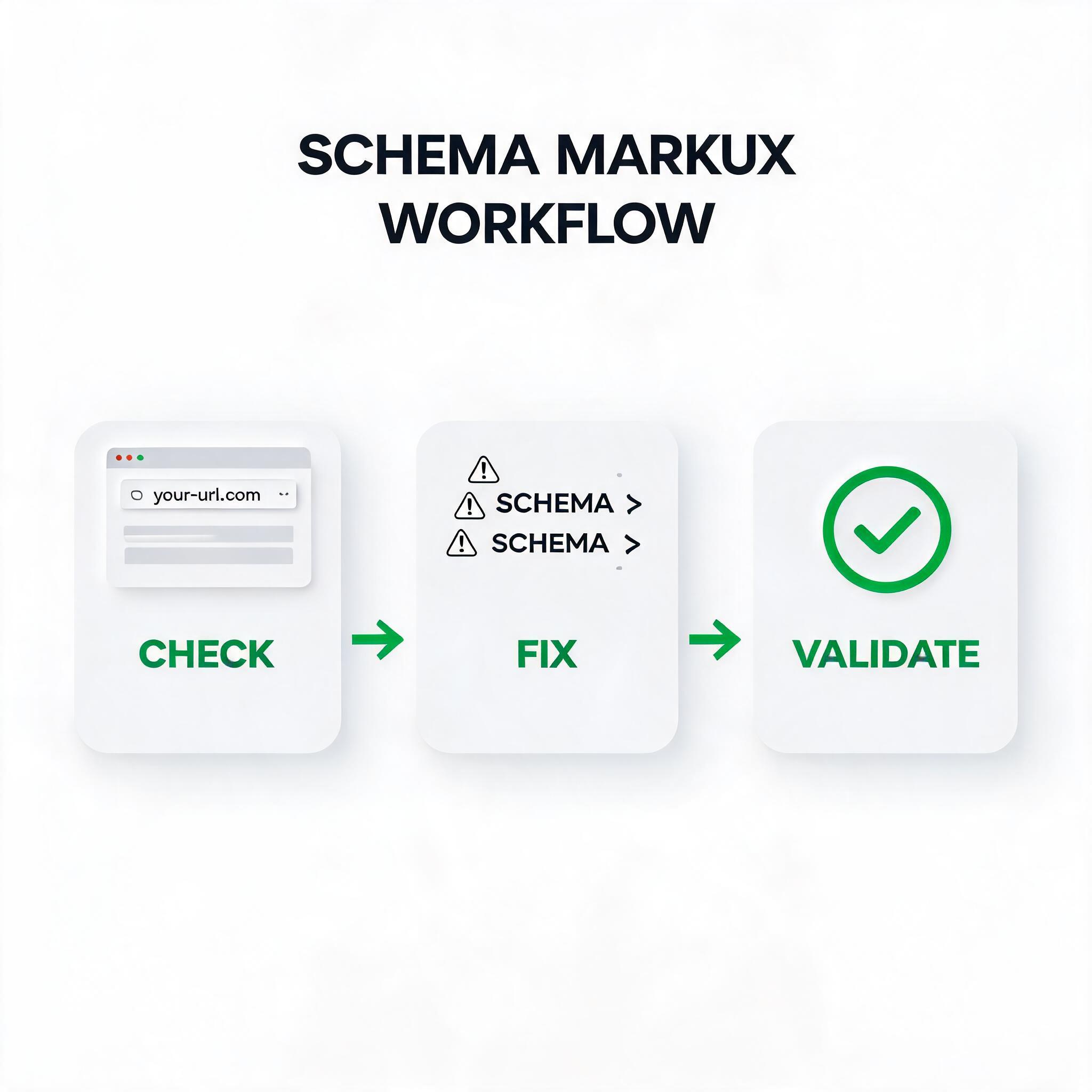
Open the Osek.ai SEO Checker.
Enter the URL you want to check.
Look for Schema/structured data warnings in the technical section.
Review any errors or missing Schema types that could be added.
Start by checking whether the page topic is visible in the places that matter most: title, H1, introduction, headings, and internal links. These signals should reinforce the same idea instead of competing with each other. If the title says one thing, the H1 says another, and the body answers a third topic, the page is likely too unfocused.
Next, review the page from a beginner's perspective. A useful page explains the concept, shows why it matters, gives an example, and tells the reader what to do next. This is especially important for SEO education content because many readers arrive with partial knowledge. They need definitions, but they also need a path to action.
Finally, check whether the page connects learning to execution. That is where Osek.ai tools fit naturally. The article should teach the idea, then the tool should help the reader inspect their own page, keyword, backlink profile, domain, video topic, or AI visibility.
Example
Weak example: A recipe page with plain text that search engines cannot distinguish from other content types.
Better example: A recipe page with Recipe Schema that shows preparation time, ingredients, ratings, and cooking steps directly in search results.
The better version works because it is specific. It gives the reader a clear expectation and creates a stronger match between the page, the search query, and the next action. Specificity is one of the simplest ways to improve SEO content without making the page longer for no reason.
When editing your own page, compare every important sentence with the weak example and the better example. Ask whether the sentence adds clarity, proof, structure, or action. If it does not, rewrite it or remove it. Strong SEO pages are usually not longer because they repeat themselves; they are longer because they answer more of the reader's real questions.
Common Mistakes
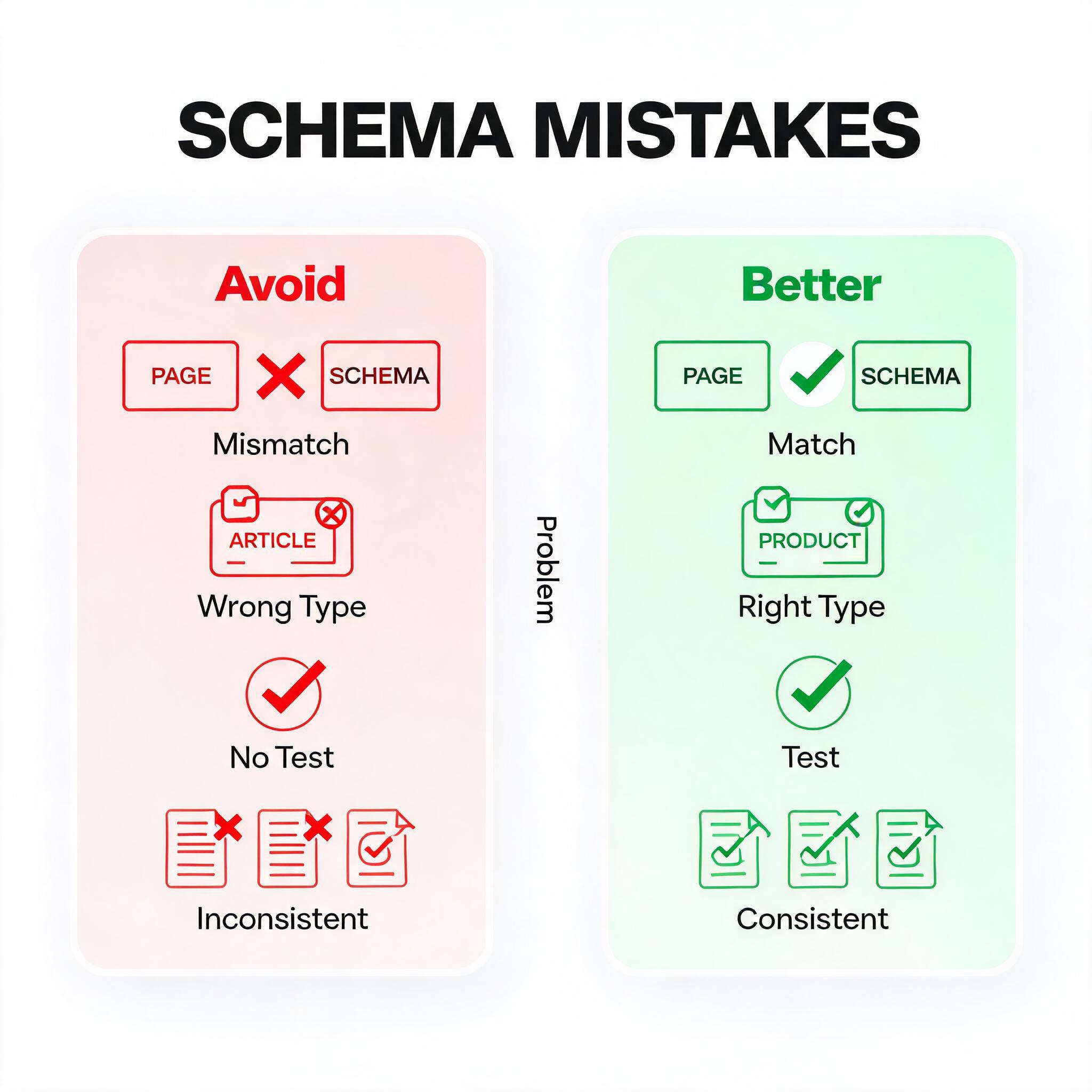
Adding Schema that does not match the visible content on the page.
Using the wrong Schema type for your content (e.g., using Article Schema for a product page).
Forgetting to test Schema implementation before publishing.
Adding Schema only to some pages instead of consistently across similar content.
Adding Schema that does not match the visible content on the page
For what is schema markup? a beginner's guide to structured data, this point matters because it turns a general SEO idea into something you can inspect on a real page. Do not treat it as a one-time checkbox. Look at the page, compare it with the searcher's likely expectation, and decide whether the current page gives enough context for both users and search systems.
Using the wrong Schema type for your content (e.g., using Article Schema for a product page)
For what is schema markup? a beginner's guide to structured data, this point matters because it turns a general SEO idea into something you can inspect on a real page. Do not treat it as a one-time checkbox. Look at the page, compare it with the searcher's likely expectation, and decide whether the current page gives enough context for both users and search systems.
Forgetting to test Schema implementation before publishing
For what is schema markup? a beginner's guide to structured data, this point matters because it turns a general SEO idea into something you can inspect on a real page. Do not treat it as a one-time checkbox. Look at the page, compare it with the searcher's likely expectation, and decide whether the current page gives enough context for both users and search systems.
Adding Schema only to some pages instead of consistently across similar content
For what is schema markup? a beginner's guide to structured data, this point matters because it turns a general SEO idea into something you can inspect on a real page. Do not treat it as a one-time checkbox. Look at the page, compare it with the searcher's likely expectation, and decide whether the current page gives enough context for both users and search systems.
Most beginner mistakes come from optimizing one signal while ignoring the full page experience. A keyword can be present but still fail if the answer is thin. A page can load quickly but still fail if the intent is wrong. A backlink can look useful but still be risky if the source is irrelevant. Always interpret tool output in the context of the page's actual goal.
Beginner Workflow
Choose one page or topic to improve.
Write the primary search intent in one sentence.
Check the page against the key signals in this guide.
Fix the highest-impact issue first instead of editing everything at once.
Recheck the page after publishing or updating it.
This workflow keeps SEO work manageable. Instead of chasing every metric, you move from concept to example to tool-based validation. That is the pattern Osek.ai is designed around: learn the SEO concept, see a simple example, then use a free tool to check your own page.
Quick Checklist
Choose the right Schema type for your content (Article, Product, Recipe, FAQ, etc.).
Include all required properties for that Schema type.
Test your markup with Google's Rich Results Test tool.
Keep Schema data consistent with what users see on the page.
Monitor Search Console for structured data errors.
Use this checklist before publishing a new page and again after major edits. The first pass catches obvious problems. The second pass confirms that your improvements did not create new issues, such as a mismatched title, missing internal link, or unclear call to action.
When to Revisit This
Revisit this topic whenever you publish a new page, update an important page, launch a new tool, or notice that impressions are growing but clicks or rankings are not improving. SEO is not only about initial setup. It is a review cycle where each update should make the page easier to understand, easier to trust, and easier to act on.
For existing pages, do not rewrite everything at once. Start with the page title, introduction, main headings, examples, and internal links. These areas usually create the clearest improvement with the least disruption.
FAQ
Does Schema markup improve my rankings?
Schema itself is not a direct ranking factor, but it helps search engines understand your content better and can lead to rich results that increase click-through rates.
Do I need to know coding to add Schema?
Not necessarily. Many content management systems have plugins or built-in features that add Schema automatically. For custom implementations, you can use JSON-LD which requires basic HTML knowledge.
What Schema types should I use?
Start with the most relevant type for your content: Article for blog posts, Product for product pages, FAQPage for FAQ sections, LocalBusiness for local businesses, and Review for review content.
How do I know if my Schema is working?
Use Google's Rich Results Test to validate your markup. Check Google Search Console under Enhancements to see which pages have valid Schema and monitor for errors.